
Complete security for your online accounts with a fast, private, and reliable authentication solution.
Strong two-factor authentication that protects your personal and professional accounts from unauthorized access and cyber threats.
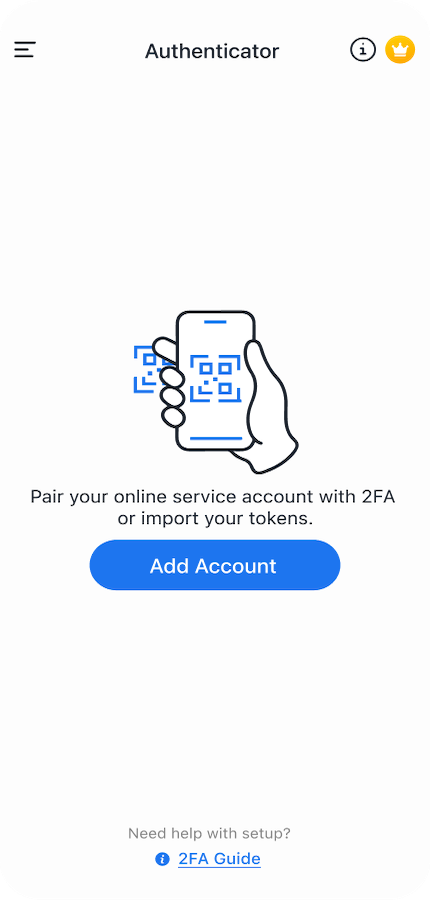
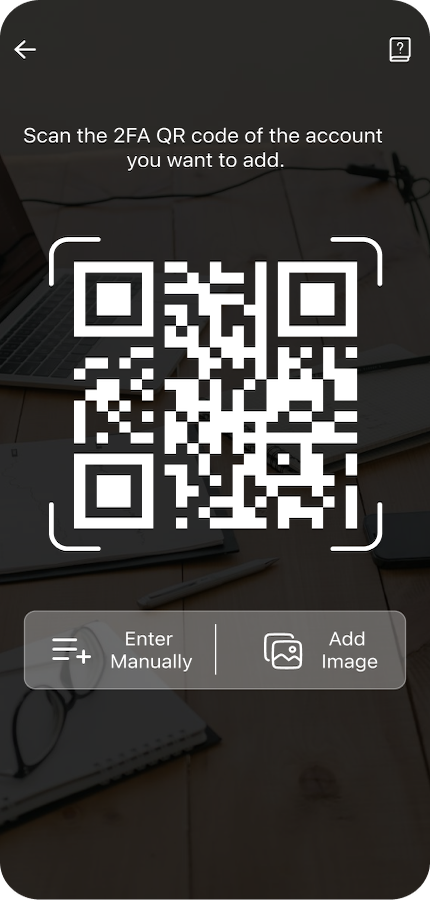
Scan QR codes and connect with your favorite services in seconds. Simple setup designed for speed and convenience.
Secure your authentication codes with built-in fingerprint and Face ID security so only you can access your accounts.
Secure cloud backup ensures your authentication tokens are protected and easily restored when switching devices.
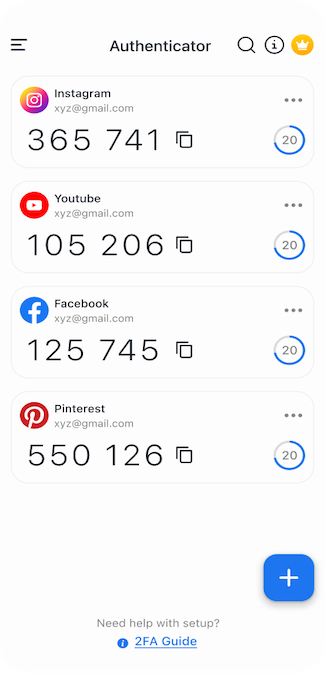
Generate secure verification codes anytime, even without an internet connection.
Works with thousands of services including Google, Instagram, Amazon, Microsoft, and many more.
Our mission is to make advanced security accessible to everyone. The Authenticator App combines powerful encryption with a clean and intuitive experience to protect your digital life.
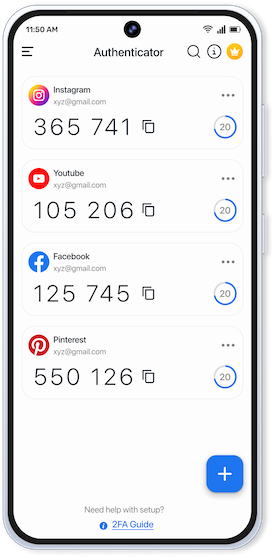
Adding two-factor authentication takes only a few seconds.
Install the Authenticator App from the Play Store and open it to begin secure setup.
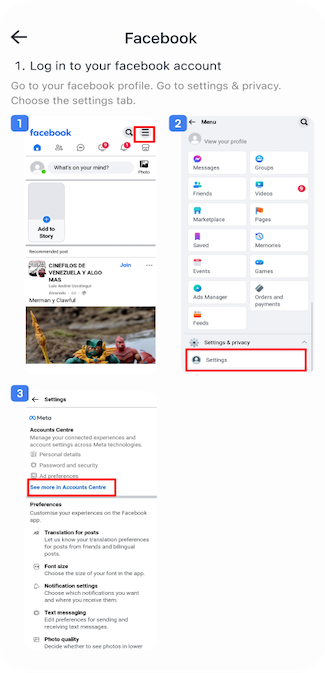
Use the built-in scanner to connect with services like Google, Microsoft, Facebook, or Discord.
Enter the generated verification code to confirm login and keep your accounts protected.
Designed for speed, clarity, and strong security protection.
Find helpful answers about using the Authenticator App.
The app strengthens your account security by enabling Two-Factor Authentication (2FA). It generates secure time-based verification codes that protect your accounts from unauthorized access.
Download the app, open it, and scan the QR code from the account you want to secure. The app will instantly generate authentication codes for secure logins.
Yes. Our encrypted backup feature allows you to securely store and restore your authentication tokens when you change devices or reinstall the app.
Yes. Authentication codes are generated locally on your device using secure algorithms, so the app works perfectly without an internet connection.
Absolutely. The app supports the industry-standard TOTP protocol and works with thousands of websites and services that support two-factor authentication.